ConnectR Update

ConnectR Gets a New Look (and a Ton of Smart Improvements)

New design, smarter error handling, and more control over your integration flows. Here’s what’s included in the latest April 2026 update.

More Than Just a New Look
CJM21997
Jeroen KarremanDeveloper

Anyone who works in ConnectR regularly will notice it right away: the platform looks different. It’s more modern, more organized, and offers a choice between dark and light themes. But there’s more to the new design than just a fresh look. In this update, we’ve also made significant improvements to the features that make your daily work easier.

In this article, we’ll walk you through the most important improvements.

A completely new design for ConnectR

The ConnectR Management Studio has been given a completely new design. The interface is more modern, the navigation is more intuitive, and you can now choose between a dark and light theme. Do you prefer working with a calm, dark screen while monitoring integrations? Or do you prefer a light environment? With this update, you can have both!

The goal of the redesign: to help you find what you’re looking for faster and make your work more enjoyable, even if you’re on the platform all day.

Flowbuilder: Faster Navigation and Better Documentation

The Flowbuilder is the heart of ConnectR. In this update, we’ve improved navigation within the canvas. Links now open in the same tab or in a new tab, depending on how you click (with or without Ctrl/Meta). It’s a small detail, but it saves a lot of back-and-forth clicking when working with complex flows.

In addition, the documentation for the “next-steps configuration” has been streamlined. Outdated settings have been removed, and the explanation of Boolean checks has been clarified. This makes configuring conditional steps easier to understand

More control over your schedules and deployments

A status column has been added to the Schedules. You can now see at a glance what your scheduled tasks are doing, without having to click through.

The Deployment Manager now automatically resets the error counter when you reactivate a flow. So after a fix, you start with a clean slate, which makes monitoring deployments much clearer.

Modify data and resubmit

One of the most requested improvements: you can now edit the incoming data for a message and run the flow again. This is useful when there’s an error in the source data that you can’t correct in the source system itself. Instead of using a cumbersome workaround, you can now resolve the issue directly in ConnectR.

Queue and history: more efficient management

In Queue Messages, you can now cancel messages in bulk. No more endlessly clicking through one by one when you need to clear out a series of messages.

In the History Messages section, your date and time filters are now preserved when you navigate back to the page. This is consistent with how other filters already worked, but it’s a welcome improvement if you do a lot of filtering.

In addition, you can now view incorrect JSON data. Where the platform previously did not display this, you can now see exactly what value was expected. This makes troubleshooting a lot easier.

Improved onboarding and password management

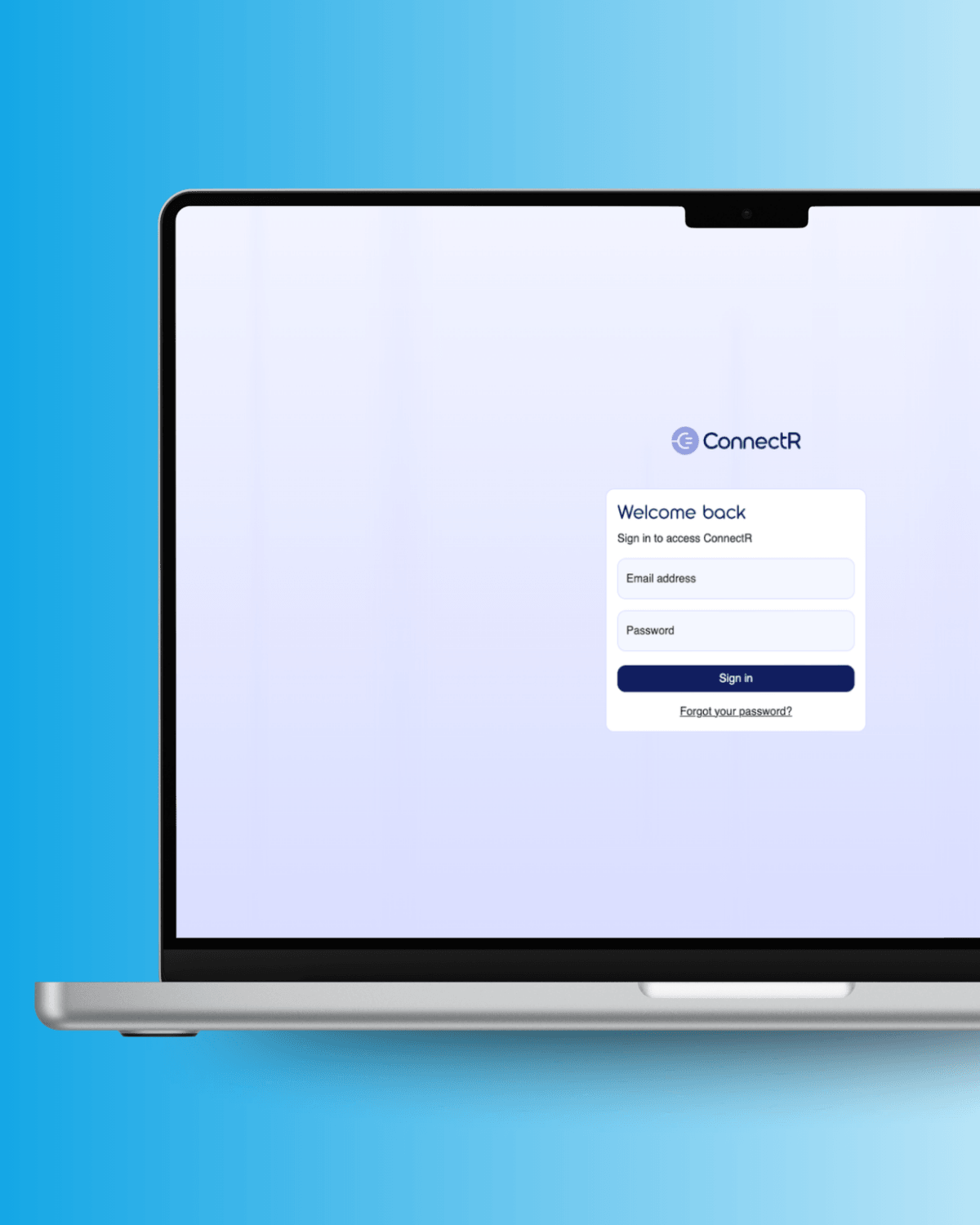
Activating a new account and resetting a password now follow an improved email workflow. New users receive an activation email that allows them to set their password immediately. The entire process feels more natural and user-friendly.

All emails (activation, password reset, and partner notifications) have been redesigned for a consistent and professional look.

Blog Connect R Update

Under the Hood: ConnectR Agent

Not visible in the interface, but just as important. The ConnectR Agent has received a series of technical improvements that enhance the reliability and flexibility of integrations.

Debug logging for next-step evaluations

When you set the log level to debug, the NextStep evaluations are recorded and displayed in the History Message Detail screen. Ideal for understanding why a flow takes a particular route.

New Curl component (2.0.0)

All separate Curl components (basic authentication, NetSuite TBA, OAuth2 Client Credentials, and OAuth2 Password) have been merged into a single component. Existing configurations will continue to work as usual. A new feature is support for OAuth2 Client Credentials with JWT Bearer, specifically for NetSuite integrations via OAuth2. This prepares for the phasing out of token-based access.

Automatic Error Resolution on Success

When a message with the same flow and business key is successfully processed, previous errors are automatically resolved. The error report is automatically cleaned up. A checkbox in the flow configuration gives you control over this functionality.

New component: Datapart Exists

A new building block that allows you to check whether a specific data part is present. In combination with the "nextsteps" evaluation, you can now route messages through your flow with even greater flexibility.

Gateway Improvement

CORS handling in the ConnectR Gateway has been improved. Error messages for CORS issues are now clearer and include the relevant originUrl, making it easier to resolve configuration issues.

Get Started with ConnectR

All improvements are available immediately in ConnectR.

If you’re not yet using ConnectR and are curious about how the platform can streamline your integrations, schedule a consultation and we’d be happy to show you what ConnectR can do for your organization.

CJM20680

All Rights Reserved © 2026